

Thanks to its optimized algorithms, Astroart can stack hundreds of images very quickly,
saving time and effort, and lowering power consumption.
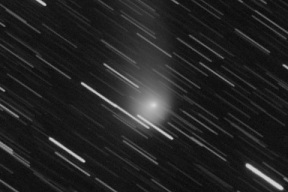
Images are quickly corrected, weighted, aligned, and combined to produce a high-quality result.
The speed lets you repeat the process with different settings and compare the results.
Astroart contains several adaptive filters:
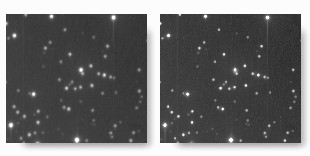
for example, the non-linear high pass filter improves the sharpness
of an image without introducing artifacts.
These filters reduce random noise while preserving details, without sacrificing image authenticity.
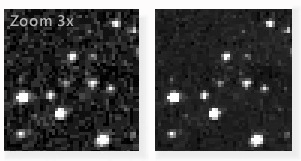
the real-time preview lets you easily find the best filter parameters.
Optimizes local contrast without amplifying noise.
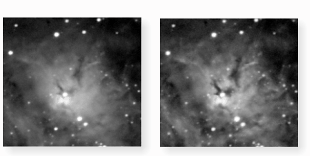
SIMD optimizations allow you to find the best parameters visually.
Astroart includes a complete mask layer. Masks are used to process or analyze a part of the image.
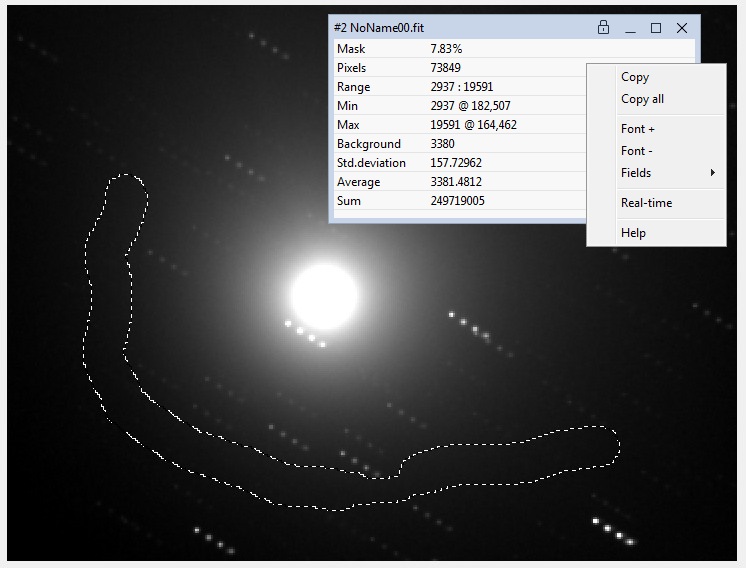
Masks can be created from a formula (e.g. all pixels below a given value), from stars, or manually with the mouse,
as in most graphics programs.
Several white balance methods and a real-time preview let you easily combine three or four channels (LRGB).

This image of the Fishhead Nebula was made with the "Hubble palette" (S-II, H-Alpha, OIII).
Image and processing by Rudi Bjørn Rasmussen.
Optical distortions are corrected with standard FITS SIP polynomials.
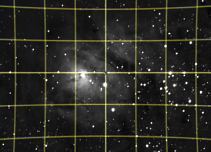
This provides high quality image stacking, or astrometry with greater precision.
Powerful filters like Deconvolution and FFT can be applied to your own photos.
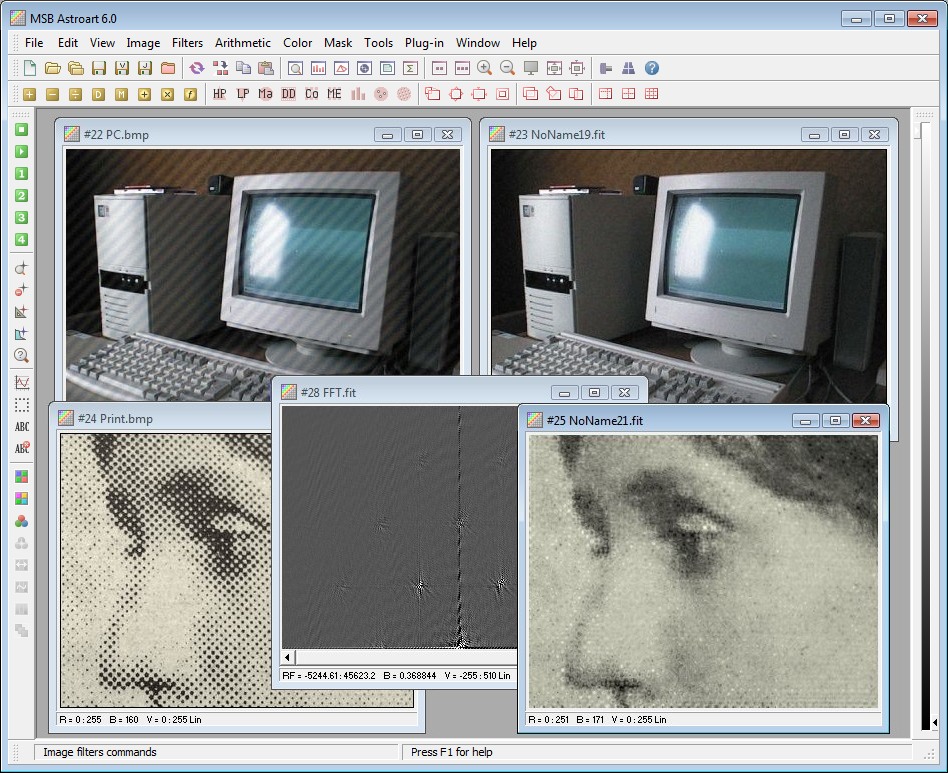
Processing at 96 bits (32 per R, G, B channel) allows better defect correction and more accurate color balance.
Next page: Image analysis